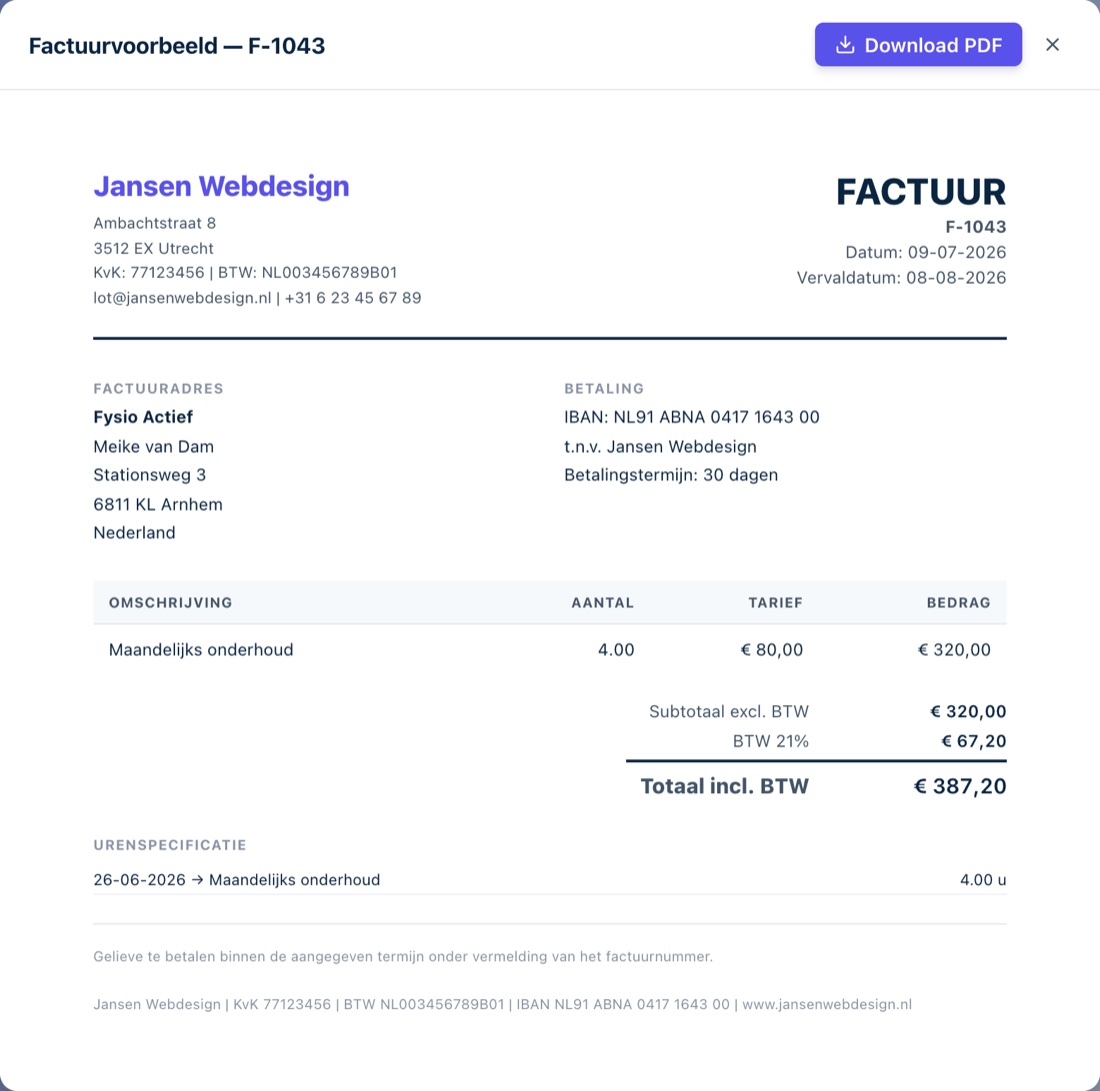
Making a free invoice, the easy way
Creating an invoice in Finq is a matter of filling in, not figuring out. Pick a client, add your lines or tracked hours and Finq works out the VAT and total automatically. The PDF is ready, with your own logo and the right invoice number. No Word templates, no spreadsheet formulas to lose.
Because it is free and unlimited, you can happily practise with your first invoice before sending it. Like the layout? Every next invoice is just as easy.
What does invoicing with Finq cost?
Nothing, and that will not change. Unlimited invoices and quotes, with your own logo, for unlimited clients. Finq earns from the optional Finq Plus subscription (expenses, bank and VAT return), not from your invoices. There is no expiring trial and no watermark on your invoice.
You start without payment details: create an account, fill in your business details, add your logo and your first invoice is ready within minutes.
From quote to invoice to paid
Turn an accepted quote into an invoice with one click; lines and amounts carry over automatically. When your client pays, you mark the invoice as paid and your revenue figures are instantly correct. Invoicing is not a separate chore, it is the source of your whole overview.
Invoicing in dollars, pounds or francs
You pick the currency per invoice: euro, US dollar, British pound or Swiss franc. Your invoice lines are then in the currency you agreed with your client. Finq suggests the ECB rate for your invoice date, which you can overwrite, and prints the VAT amount and the total in euros below the invoice with the rate used. That euro amount is a legal requirement on a Dutch invoice in another currency.
Your administration stays in euros throughout: the converted amounts feed your VAT return, your reports and your tax reserve. If the rate moves between the invoice date and the payment, Finq books that difference separately as an exchange result, so both your revenue and your profit stay correct.